Let’s talk about a persistent headache in email administration: header forgery. In an ideal world, technologies like SPF (Sender Policy Framework) and DMARC (Domain-based Message Authentication, Reporting & Conformance) would effectively prevent malicious actors from sending emails that appear to originate from legitimate domains.
Continue reading[cPanel][WordPress] Default mailing using the server’s hostname and the SPF issue
When managing shared hosting environments based on cPanel/WHM, I’ve often seen users encountering mailing issues because of misconfiguration that can make email functionality a bit of a headache: SPF record failures. These failures cause emails to be rejected by recipient services—a major frustration, especially for WordPress users.
Continue readingإطلاق تطبيقات مصحف الجزائر
على خُطى تطبيق أنا أتلو AnaAtlou الفائز بجائزة ألسكو وتحت الإشراف والتخطيط المتواصل للدكتور محمد مناصري والعمل الدؤوب والجبار لإسحاق عمري، بدأ في نهاية 2023 تطوير مشروع تحت رعاية وزارة الشؤون الدينية يهدف إلى جمع المصاحف الجزائرية. فكثير من متعلمي القرآن في الجزائر بل وفي إفريقيا تعوّد على حفظ القرآن ومراجعته وقراءته من مصحف بعينه يأنس له ولترتيبه، فيبحث في الإنترنت فلا يجد ذاك التطبيق الميسر والمرافق له في حياته اليومية. فسعت هذه المبادرة إلى رقمنة المصاحف الجزائرية المطبوعة والمرخص لها من طرف وزارة الشؤون الدينية في الجزائر مع توفيرها لجميع الخصائص المتطلبة من تفسير وترجمة وبحث وتحكم الصوتي وتكرار للحفظ وفواصل على الوقوف وتدوين للملاحظات.

SysAdmin Tale #130325
A friend of mine has a VPS on OVH and asked me to review if there is anything he can remove to make more space and install PHP 8.2. Here is the email I sent to him, in which I shared the diagnosing commands he can use.
Continue readingTroubleshooting a “Connection to IMAP Server Failed” Error in cPanel/WHM
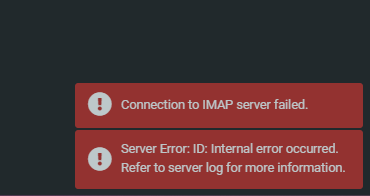
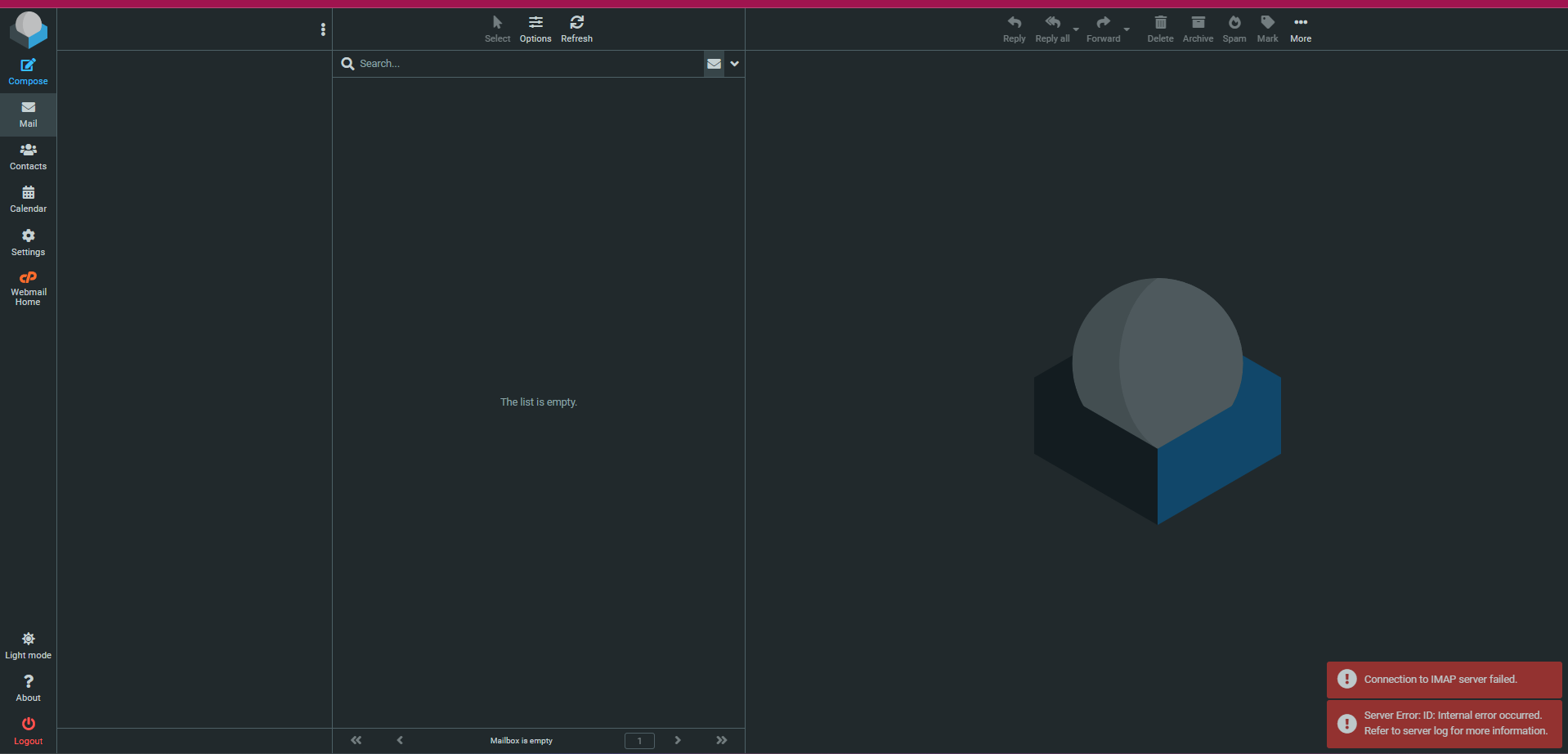
This article documents the troubleshooting process for a “Connection to IMAP server failed” error encountered by a client on a cPanel/WHM server. The error prevented access to Roundcube webmail for all email addresses associated with the account.
Migrating from Hostinger Website Builder
I had recently to assist a customer who had a website built using the Hostinger Website Builder (a WYSIWYG platform, besides their WordPress plans). This builder generates static HTML/JS/CSS pages, potentially with some dynamic features like forms.
To assist the customer with their transition to a different technology, we provided them with a static version of their website as a temporary solution until their new platform was fully developed. During this process, I explored various methods, including:
- Brute archiving downloads: This involved using tools like
wgetand HTTrack, as well as other software or browser-based solutions. - Hostinger’s WordPress export option: Located within the builder under “settings > export to a WordPress site” this feature was also tested. However, it was determined that the theme elements and formatting would require significant rework, making it impractical for a temporary page.
After evaluating different options and considering the underlying web technologies used by the builder, I ultimately found SingleFile to be the most efficient solution.
https://github.com/gildas-lormeau/SingleFile
SingleFile is available as both a web extension and a CLI tool. It proved to be highly effective, requiring only minor adjustments to the URLs.
Apache vs Nginx vs LiteSpeed: Which Web Server is Best for You in 2025?
Picking the perfect web server is like choosing the right car for a road trip—it’s not just about speed, but also how well it fits your journey. Whether you’re a WordPress enthusiast, a DevOps pro managing Kubernetes, or a beginner launching a blog, there’s a web server for you. Apache and Nginx are the old reliables, but LiteSpeed, OpenLiteSpeed, Caddy, and Traefik are shaking things up with modern features. Let’s dive into the pros, cons, and best use cases for each to help you decide.
Continue reading
Installing and Configuring the GeoIP2 Module for Nginx on AlmaLinux 9 / RHEL 9
GeoIP2 is a powerful module for Nginx that allows you to determine a visitor’s geographic location based on their IP address. This can be useful for access control, logging, and performance optimization. Since AlmaLinux 9/RHEL 9 doesn’t include this module by default, you’ll need to compile and install it manually.
Continue reading[cPanel][Maildir] Duplicate emails between different mail boxes using Symbolic links
When some users switch to a new email naming policy, they may need to duplicate email content. This process can be very demanding in terms of inodes and memory space.
In my experience, one client had over a hundred addresses. They needed to retain the old email addresses while maintaining a complete history of previous emails and setting up forwarding.
The transitions were as follows:
- [email protected] => [email protected]
- [email protected] => [email protected]
- [email protected] => [email protected], [email protected]
We use Maildir, and to avoid content redundancy. I wrote a basic script with the understanding that mail operations won’t alter the original emails. As the user can only:
- Remove the email message, which will result in the removal of the symlink.
- Or move the email message from one directory to another (e.g., Inbox => Archive, or Trash); which will be interpreted as moving the symbolic link to the directories .archives/cur or .trash/. Since we use full paths to describe the links, this won’t cause any issues and won’t alter the original files.
I have also excluded some maildir system files from being linked, starting usually with dovecot* or maildir*.
The script usage is straightforward:
./mailinker.sh mycpuser [email protected] [email protected][cPanel][Webmail] Add fonts to Roundcube
Many companies primarily use webmails and adhere to specific standards for email format, footer, and font. And while custom fonts can be utilized in local email clients (such as Outlook or ThunderBird), open webmail services predominantly support web-safe fonts. These are fonts that are available across the different web platforms and remain consistent with the original font. Besides this, there might be some variations in their support for other common fonts, such as Times New Roman.
Continue reading